
 English_USD
 Contact
 All Products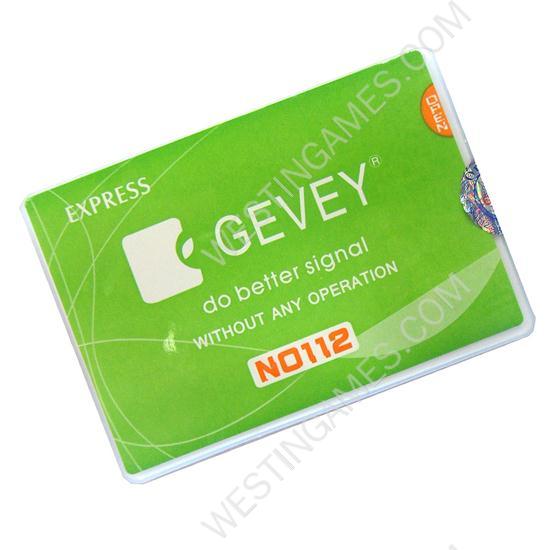
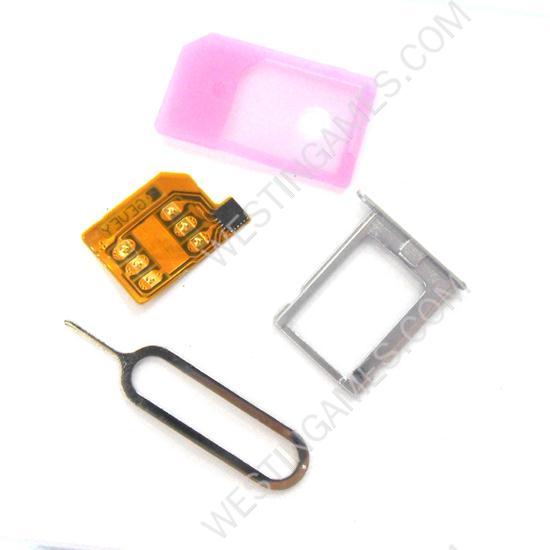
NEW Gevey SIM Card Decoder No 112 for Iphone 4 4G with Metal Sim tray
 0+ PCS
200+ PCS
Negotiable
500+ PCS
500+ PCS
Out of stock
NEW Gevey SIM Card Decoder No 112 for Iphone 4 4G with Metal Sim tray
HOW TO USE:
The first time you need call 112
The second,you don’t need any operation-3G is working.
Step 1:Turn off your iPhone and insert your Simcard and GEVEY Sim together with metal sim tray provided.
Step 2:Turn on your iPnone and walt for the SIM welcome menu to show and then select"accept".
Step 3:At the beginning ‘no service’message will show on your iPhone,DON’t do anythirlg and wait until you see one signal bar appears on the too left corner.
Step 4:After you see the signal bar dial "112"and hang up within 2 seconds.
Step 5:Turn on the Airpane mode and then,turn off right away,Your iPhone will show ‘SIM Fallure’ and then ‘NO SIM Card Installed’
Step 6:Until the "No SIM Card Installed"message shows up turn on the Airplane mode again and tun it off right away again.the SIM.
Failure’message will show and the signal will show up aftter a few seconds.
| Weight | 0.02 kg |
|---|
Who is our customer?
If you are B2B seller, trading company, shop owner, maintenance service provider, or facotry, please contact our professional sales, and they will provide you with more details and help to expland your business. Don't hesitate!
Related Products
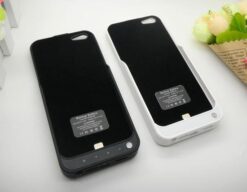
SKU: HIP5037
iPhone 5 Power Pack
3200mAh External Backup Battery Power Pack Case for iPhone 5 / 5S – Black/White


SKU: WRIP5018
iPad Air Repair Parts
Home Button + Camera and Button Metal Bracket + Rubber and Adhesive Gasket Set for iPad Air – Black
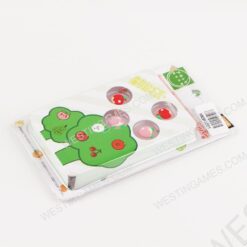
SKU: HNSH1001
Switch Accessories
4in1 Fruit Thumb Grips Analog Caps Silicone Rubber For Switch – Apple and peach
SKU: HXB3114
XBOX360 Accessories
Sensational Headset with Microphone for XBox 360 – Black (109CM-Cable)

SKU: HP50227
Accessories For PS5
Wireless Controller Gamepad Converter USB JYS-P5146 for Switch/Switch OLED MODE/PS5/PS4/PS3/PC
